

 Eesti
Eesti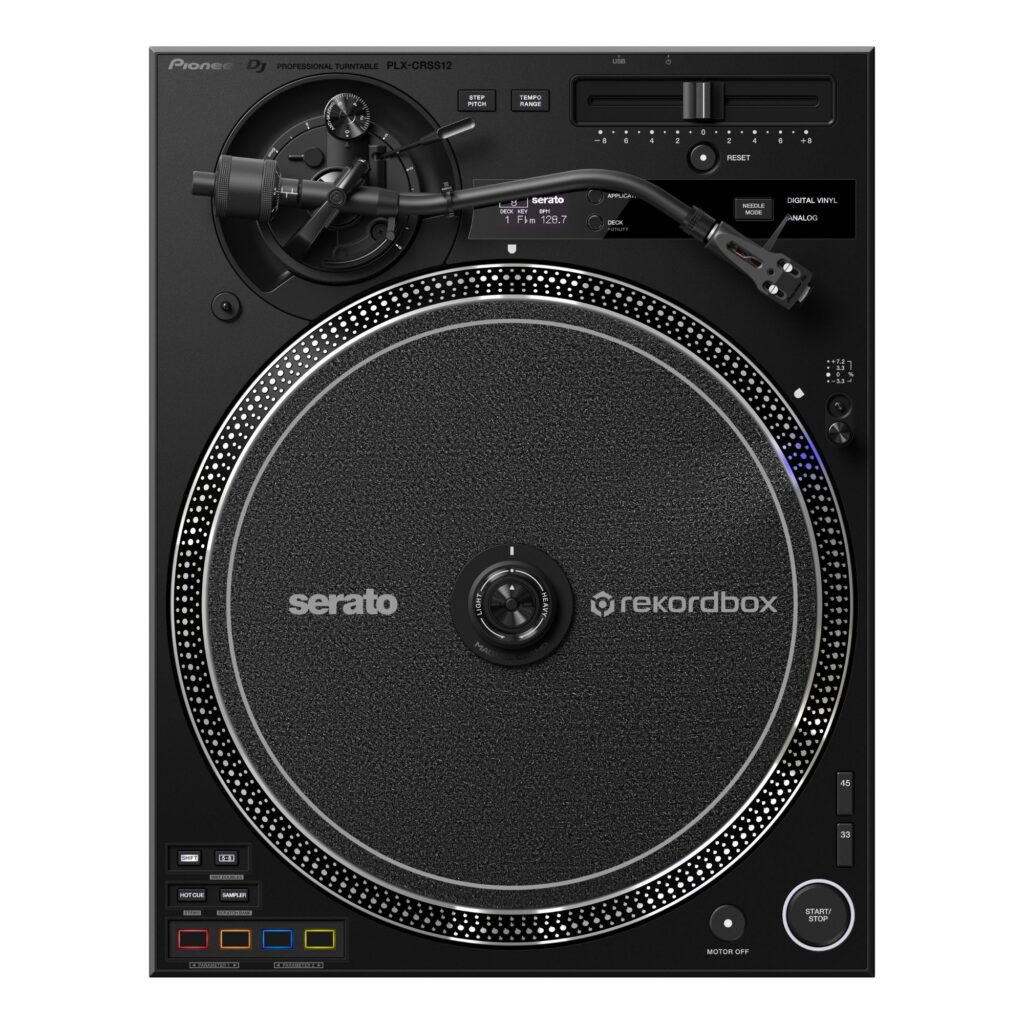
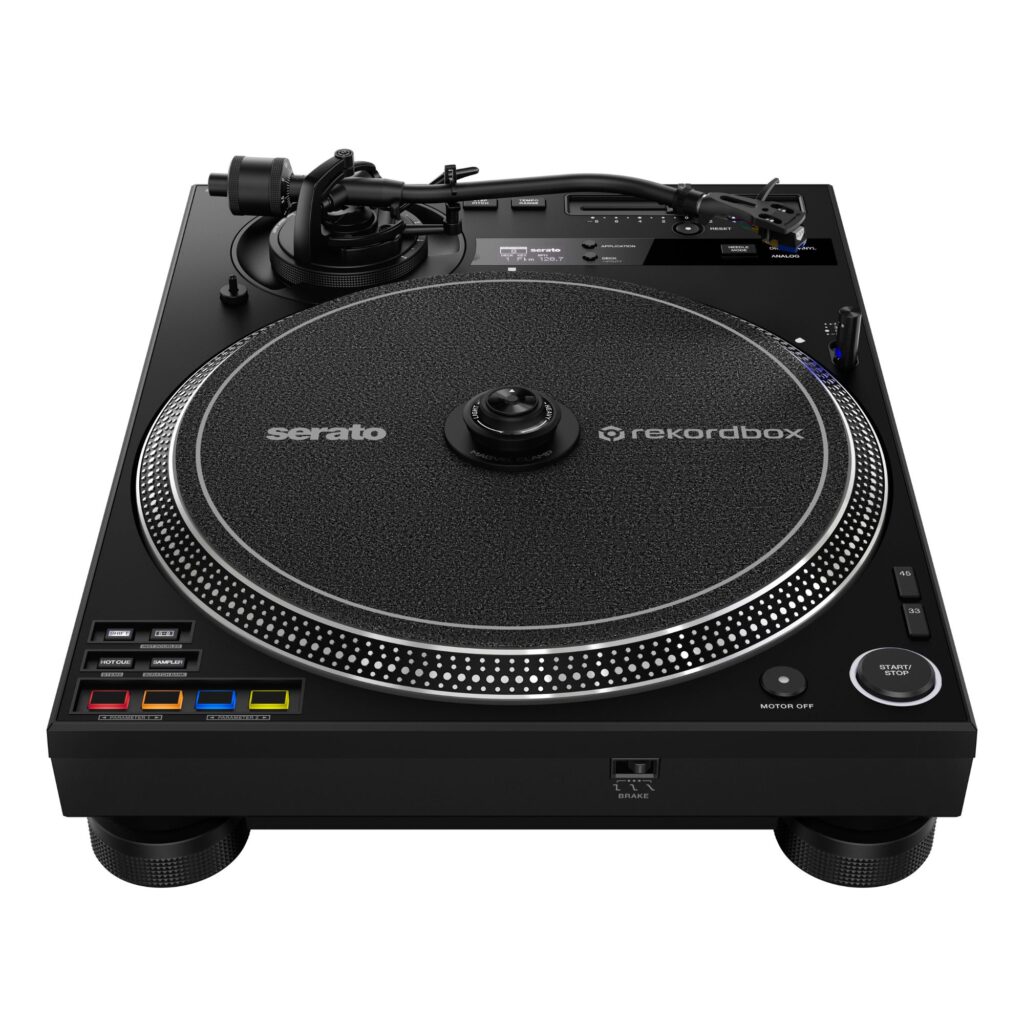
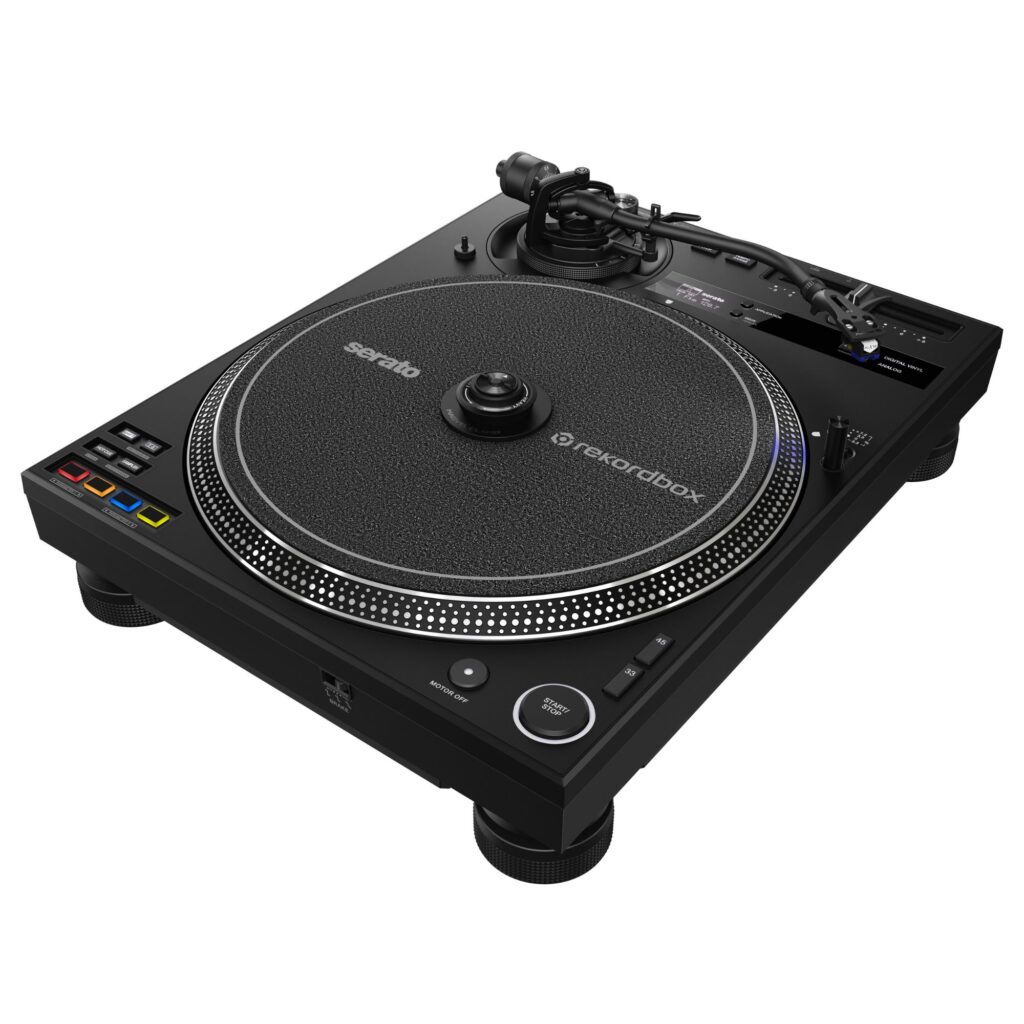
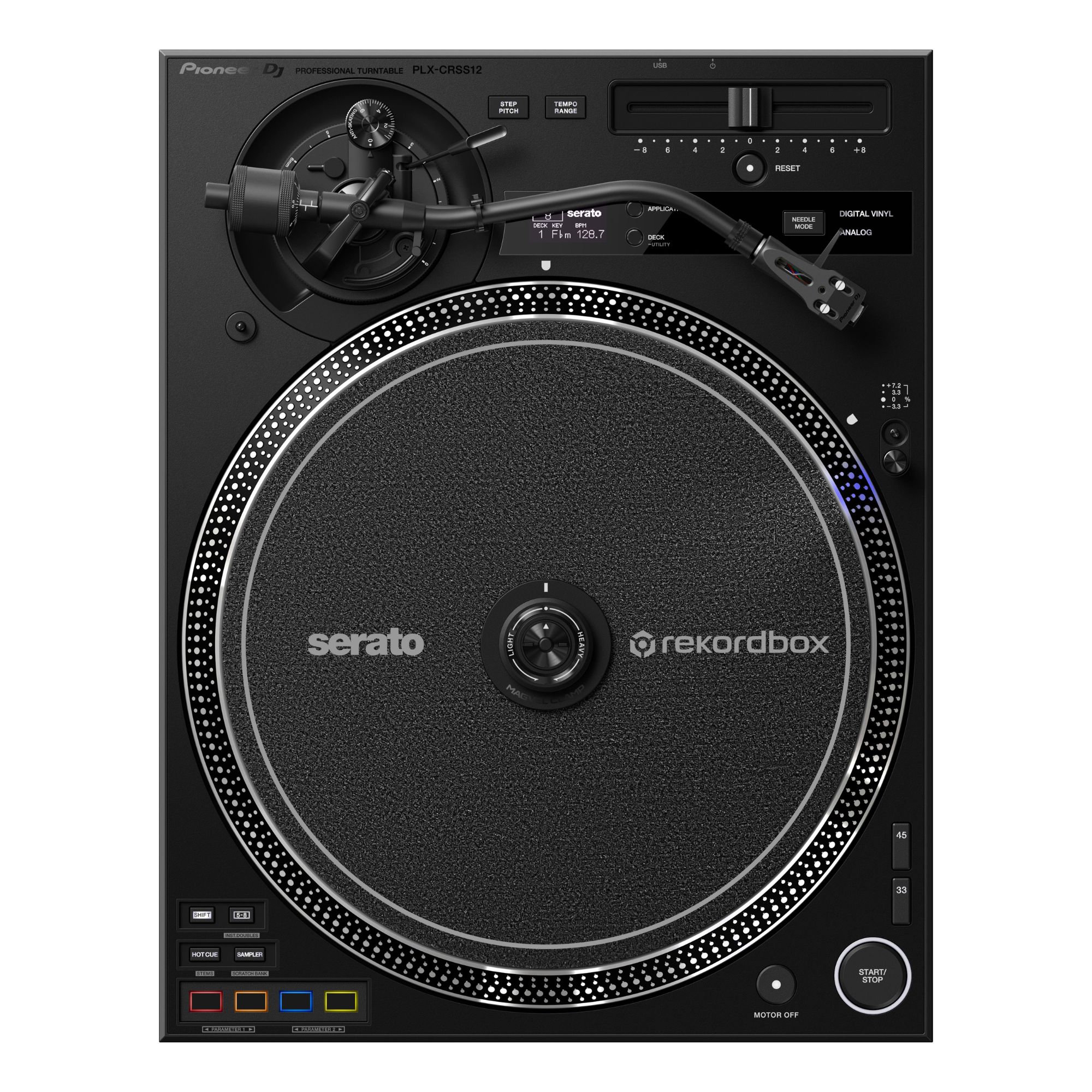
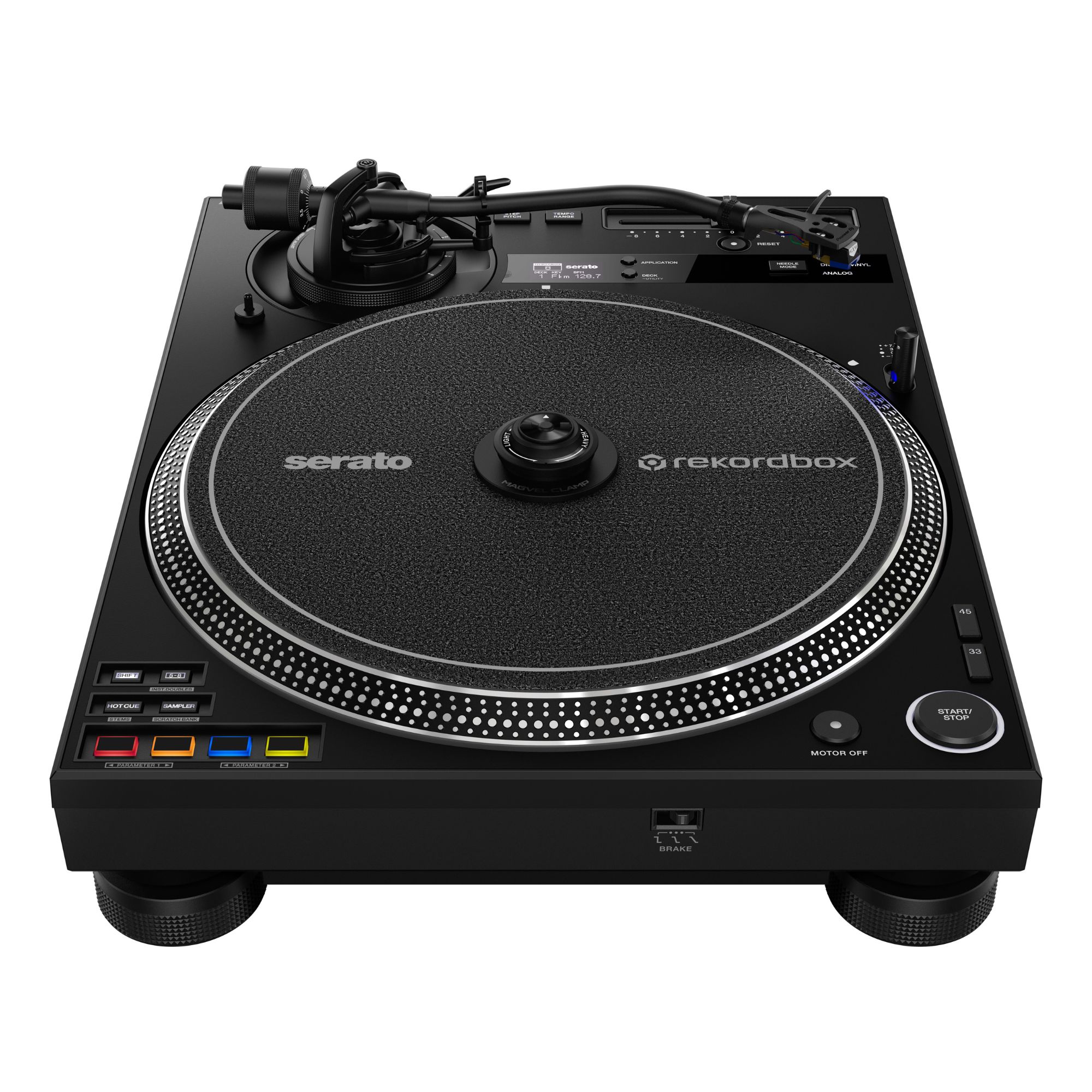
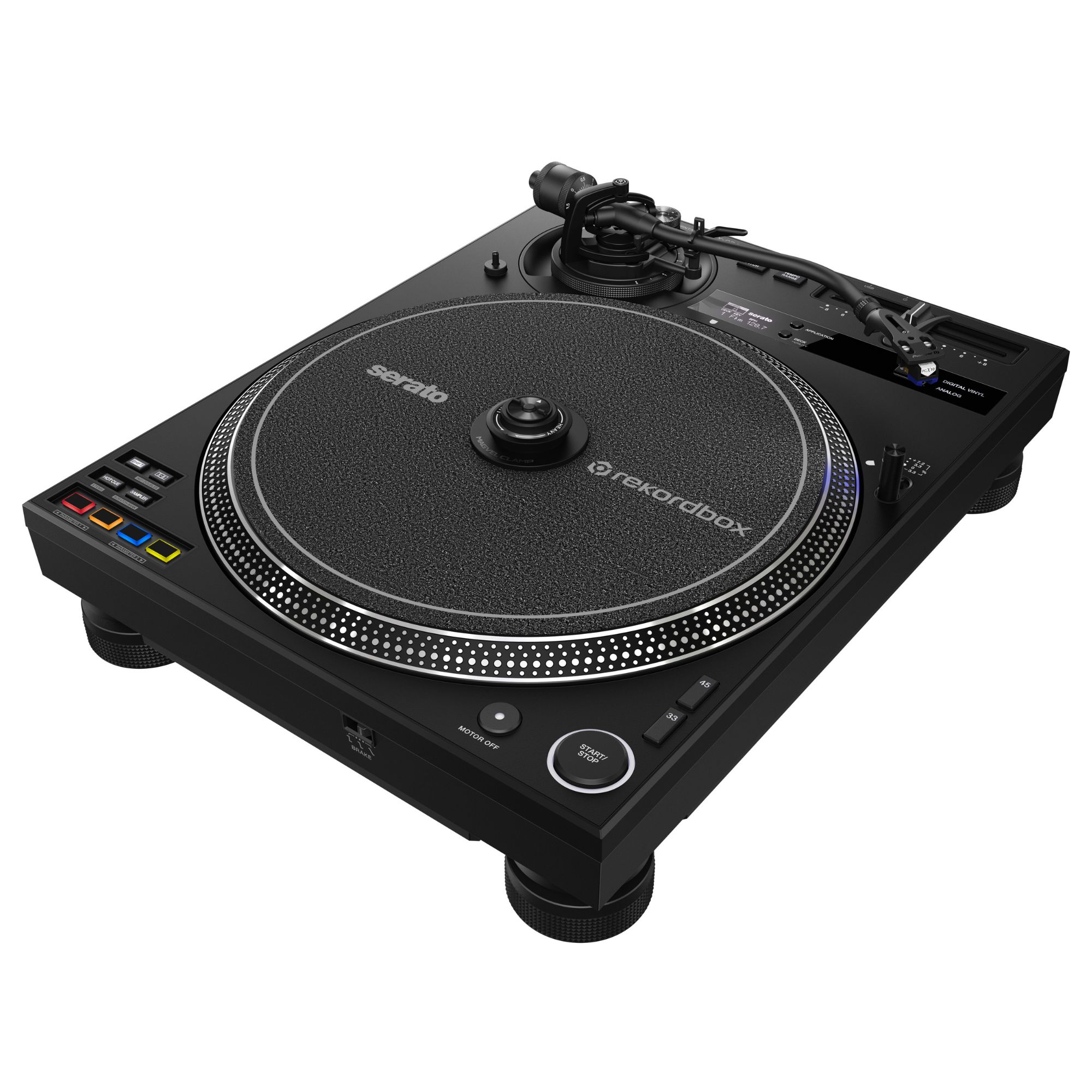
Pioneer DJ PLX-CRSS12 DJ Turntable
PLX-CRSS12 DJ Turntable with tone-arm-free DVS, MAGVEL CLAMP feel control, and direct-drive sound for Serato DJ Pro or rekordbox.
1128,23 €
 Request delivery time at [email protected]

Mon–Fri, 11 a.m.–4 p.m.
Pioneer DJ PLX-CRSS12 DJ Turntable: hybrid control for modern DJs
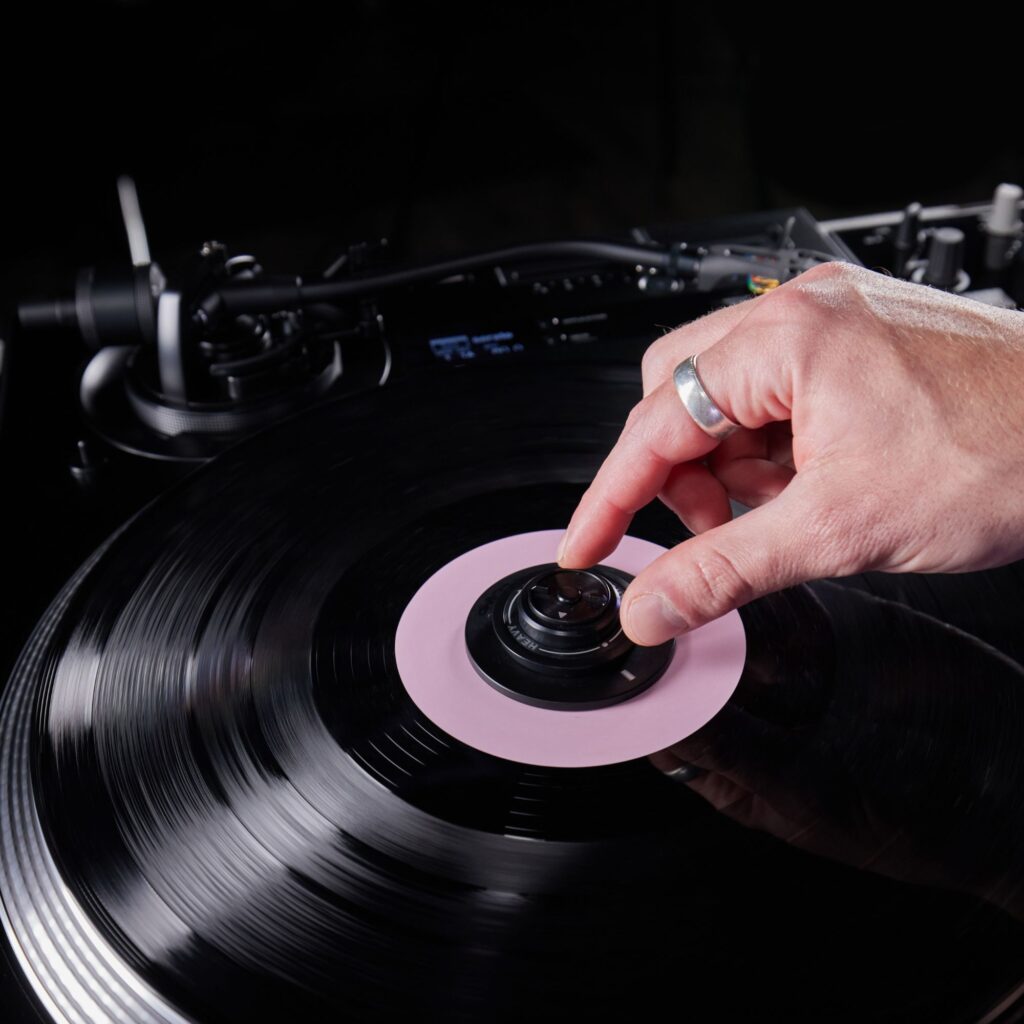
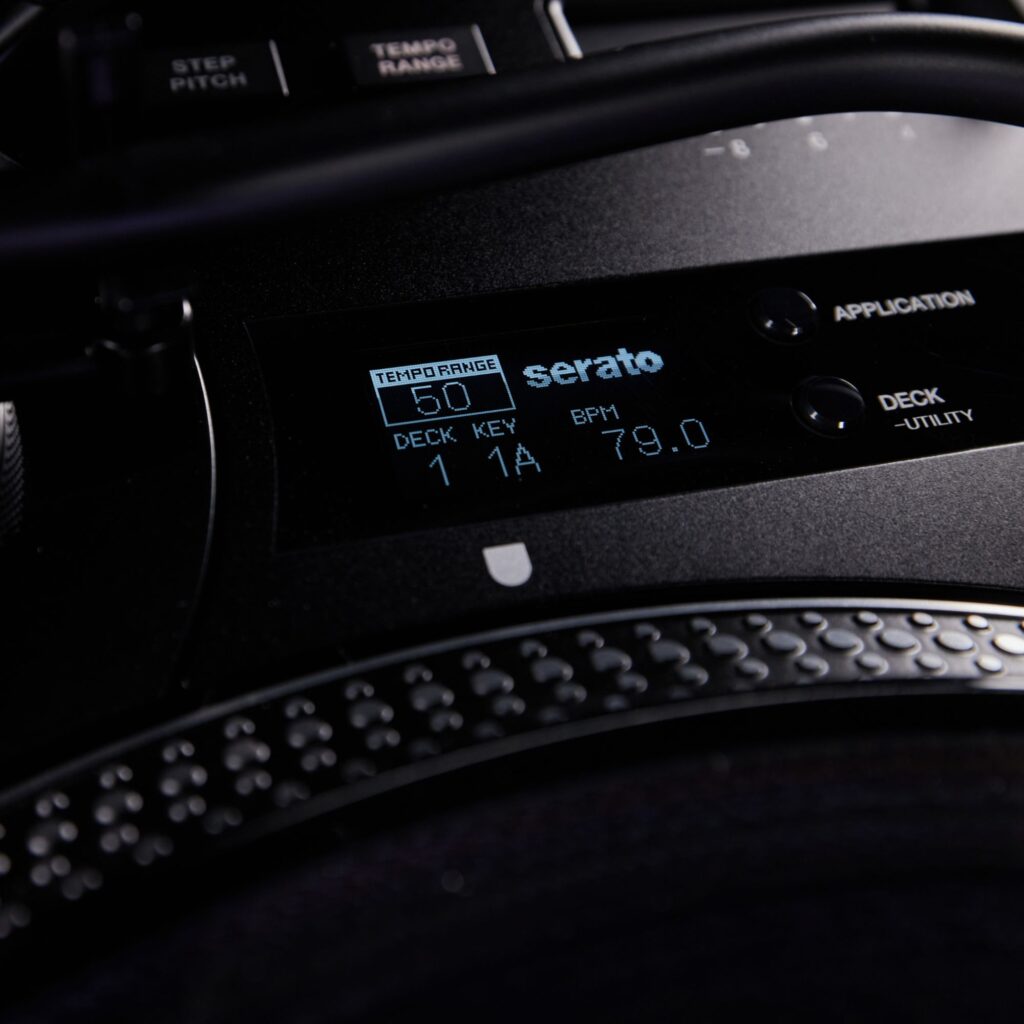
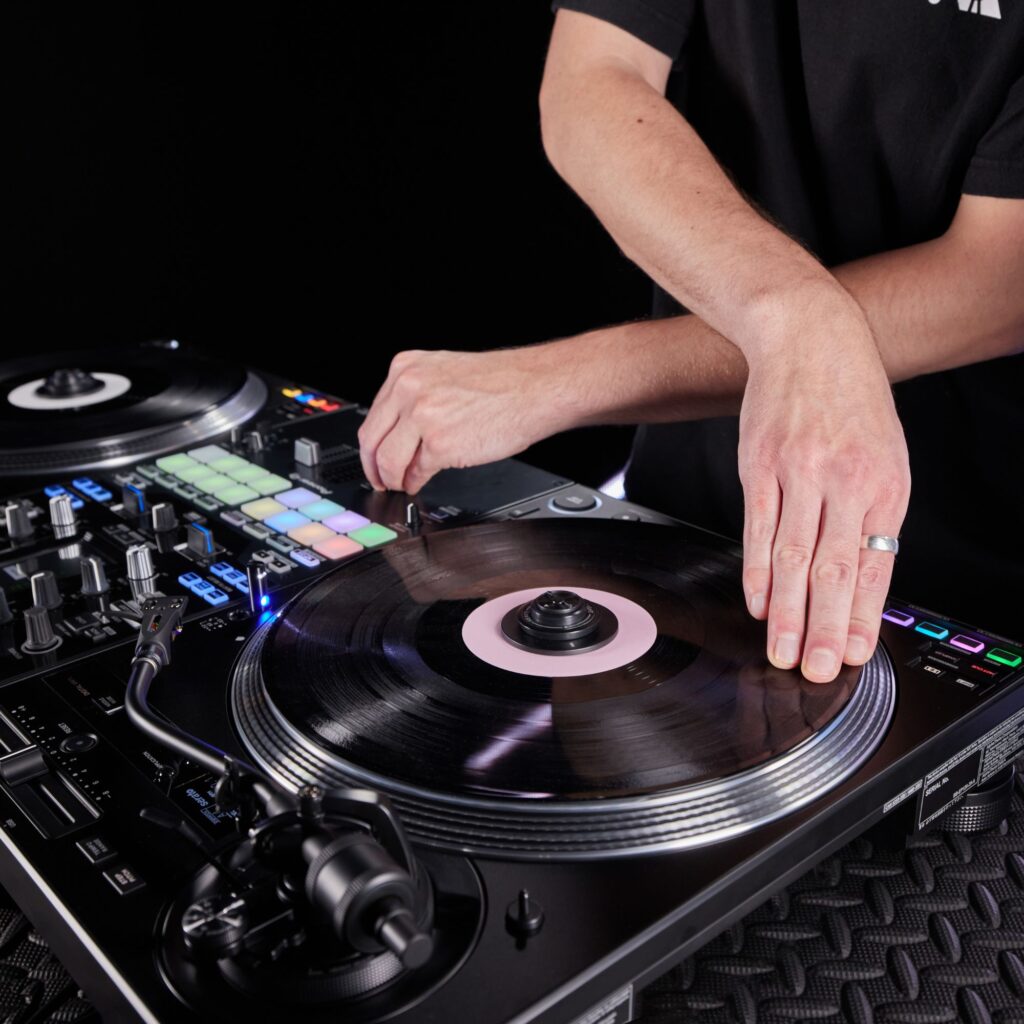
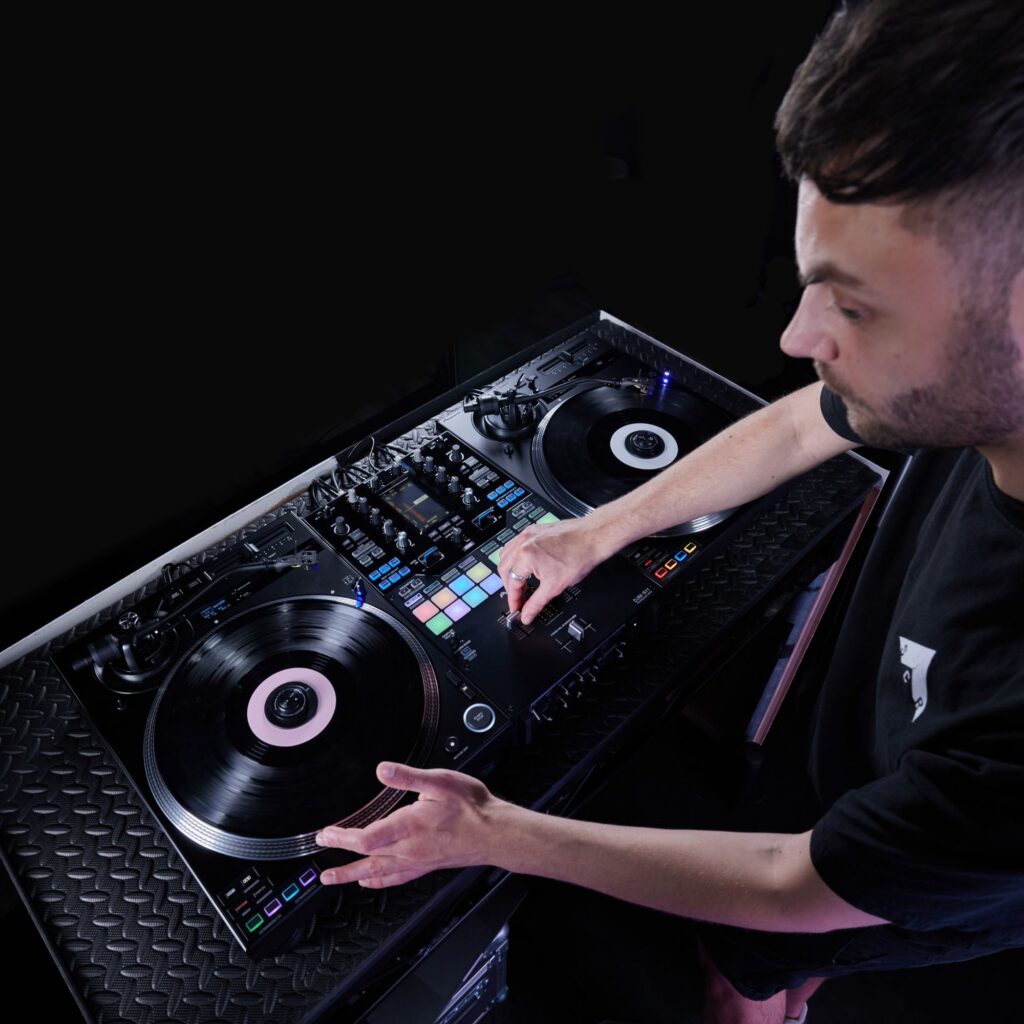
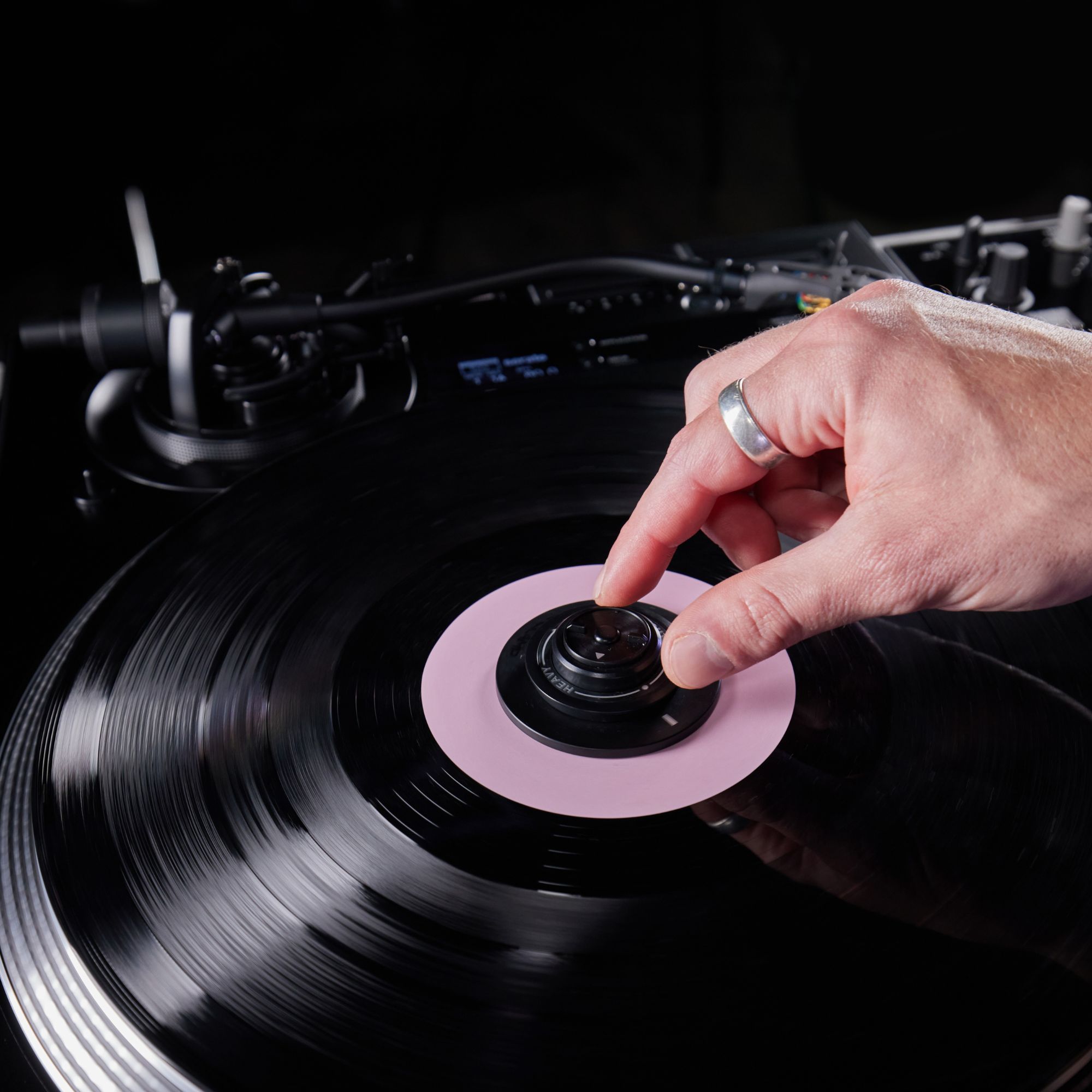
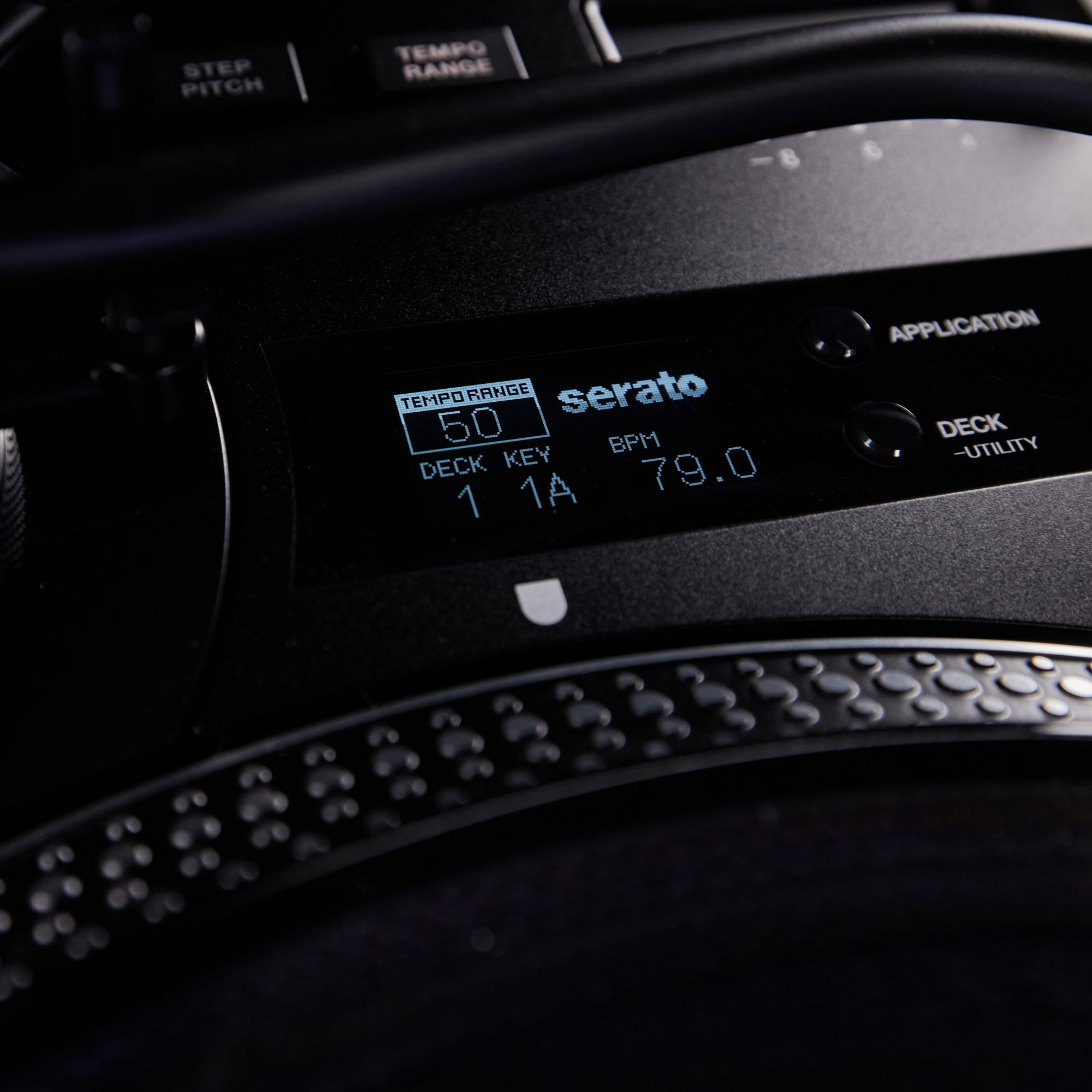
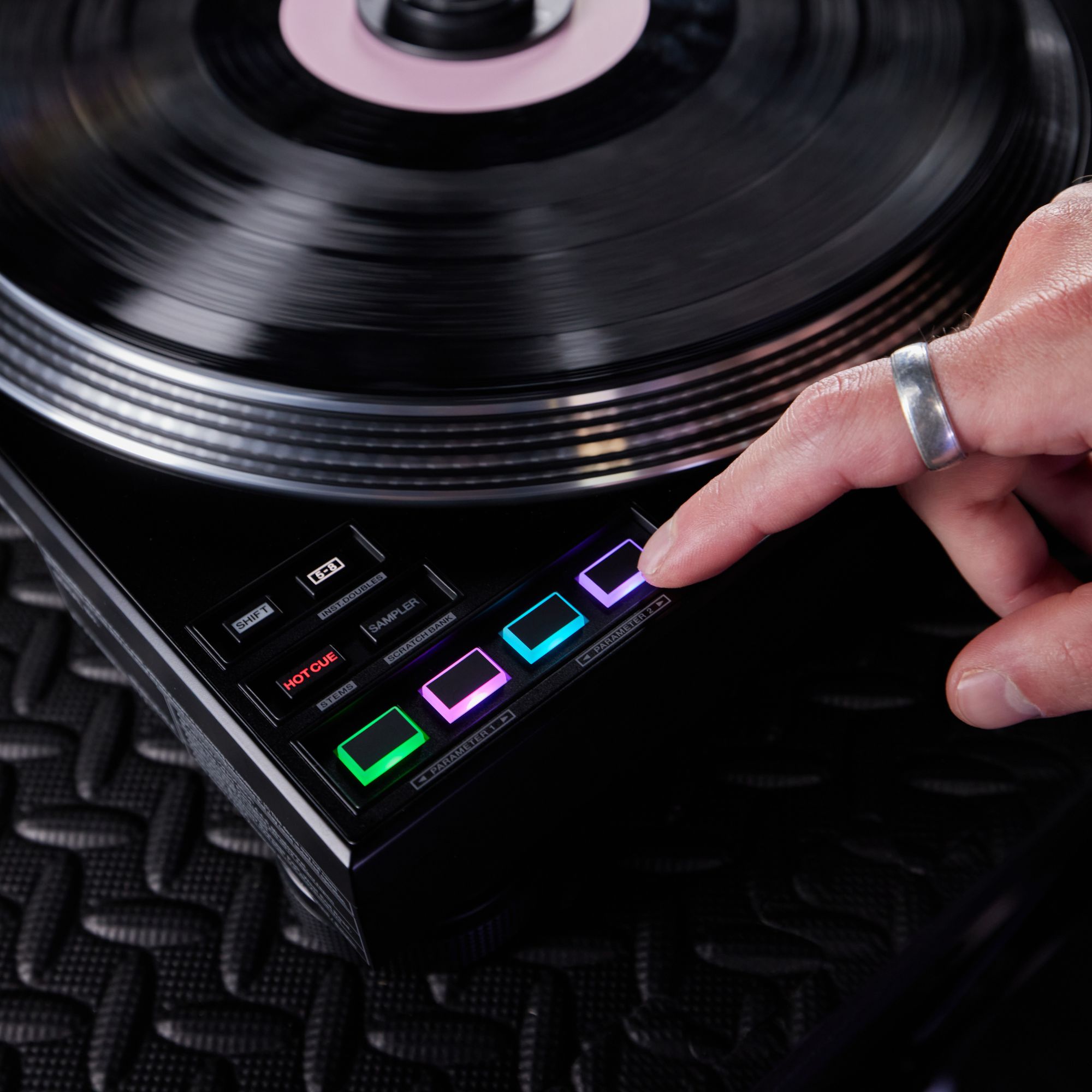
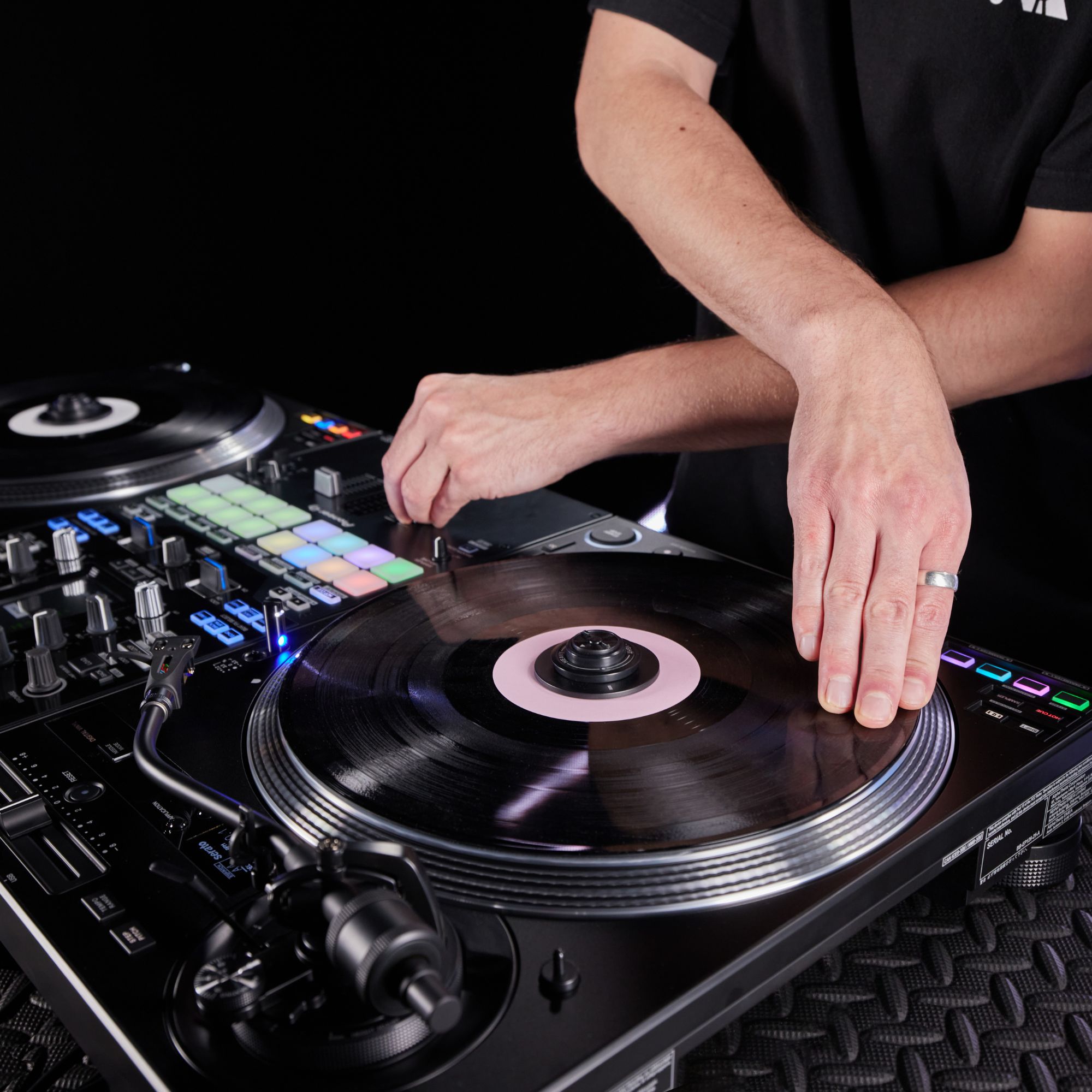
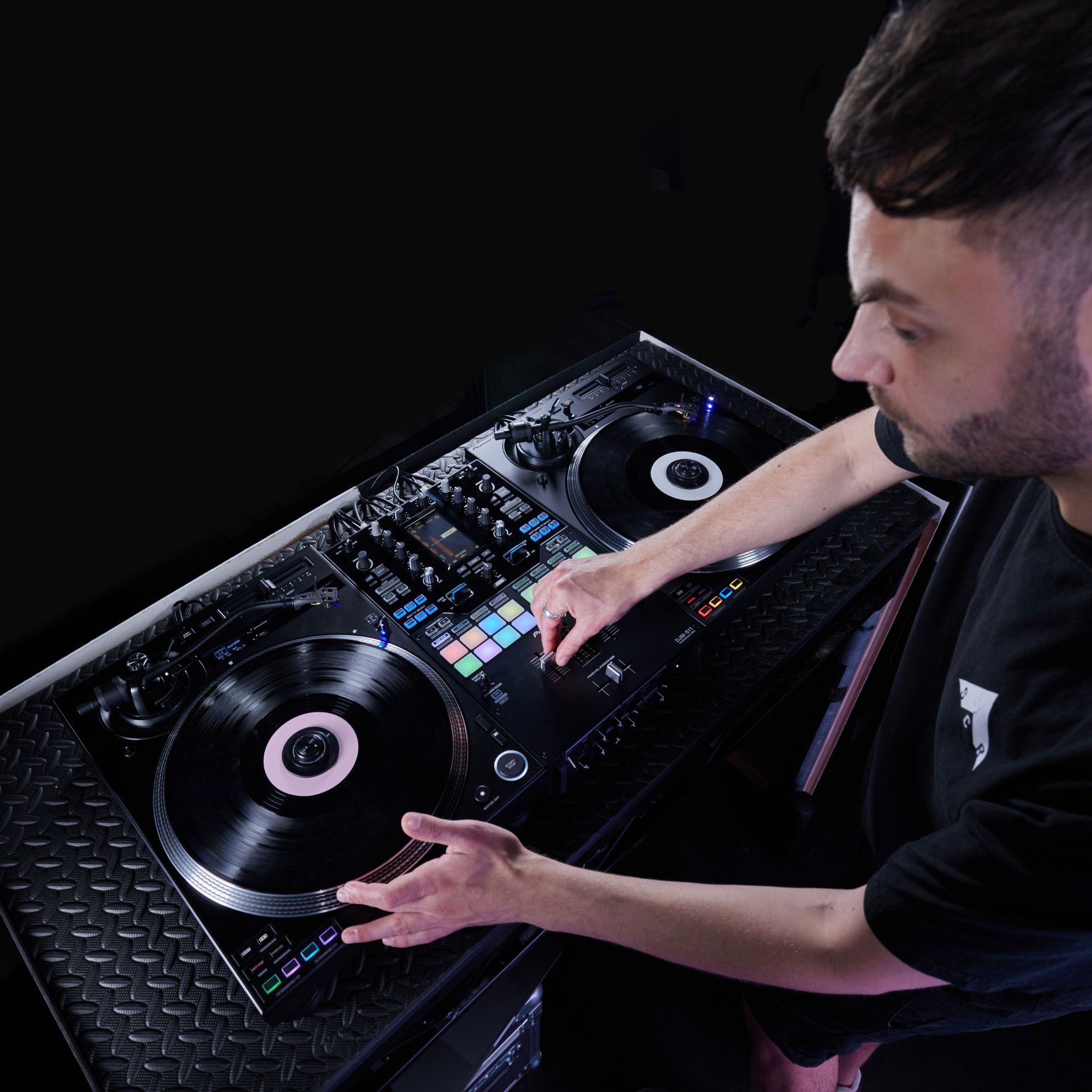
The PLX-CRSS12 DJ Turntable is a professional direct-drive deck built for DJs who want one setup for both digital performance and classic vinyl playback. In Digital Vinyl mode, the tone-arm-free system with the MAGVEL CLAMP lets you control DJ software with a real record feel, designed to eliminate needle skipping during hard scratches. Switch to Analog mode and use the S-shaped tone arm like a traditional turntable. Add onboard Performance Pads and an OLED display, and you get fast control without losing focus.
Key features of PLX-CRSS12 DJ Turntable
- ✓ Tone-arm-free DVS control for skip-free scratching
- ✓ MAGVEL CLAMP dial for heavier or lighter feel
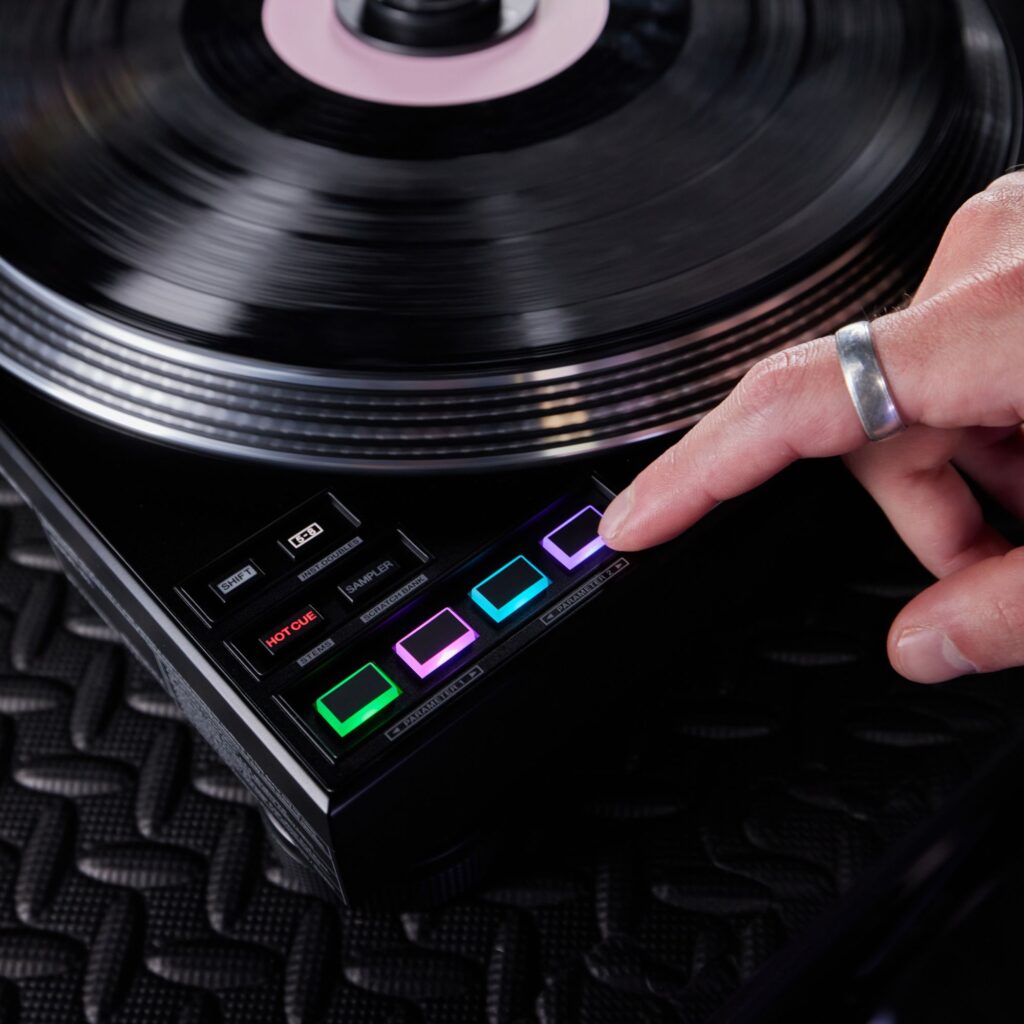
- ✓ 4 MIDI pads for cues, samples, and creative modes
- ✓ OLED display for BPM/key and quick utility access
- ✓ Direct-drive motor with adjustable pitch range options
- ✓ Upgraded chassis and power design for cleaner audio
Detailed features and ideal use
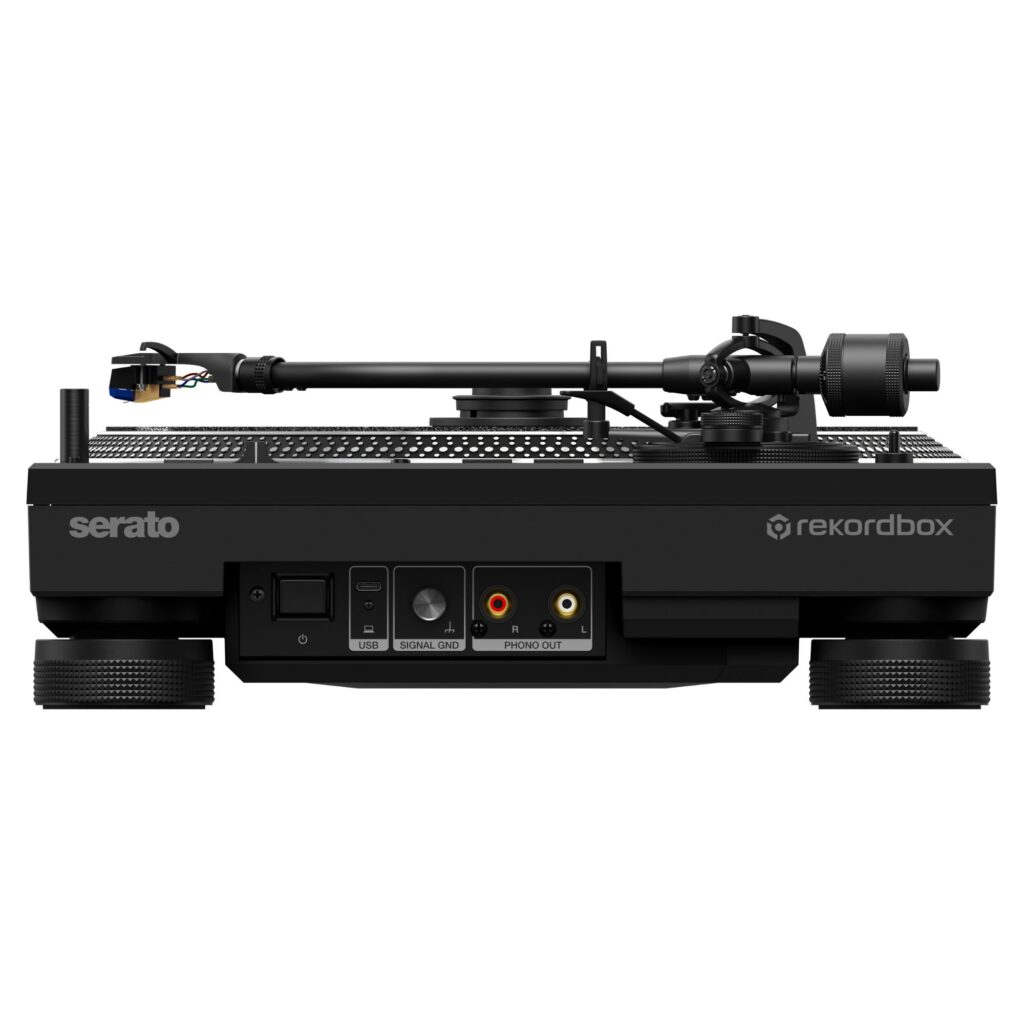
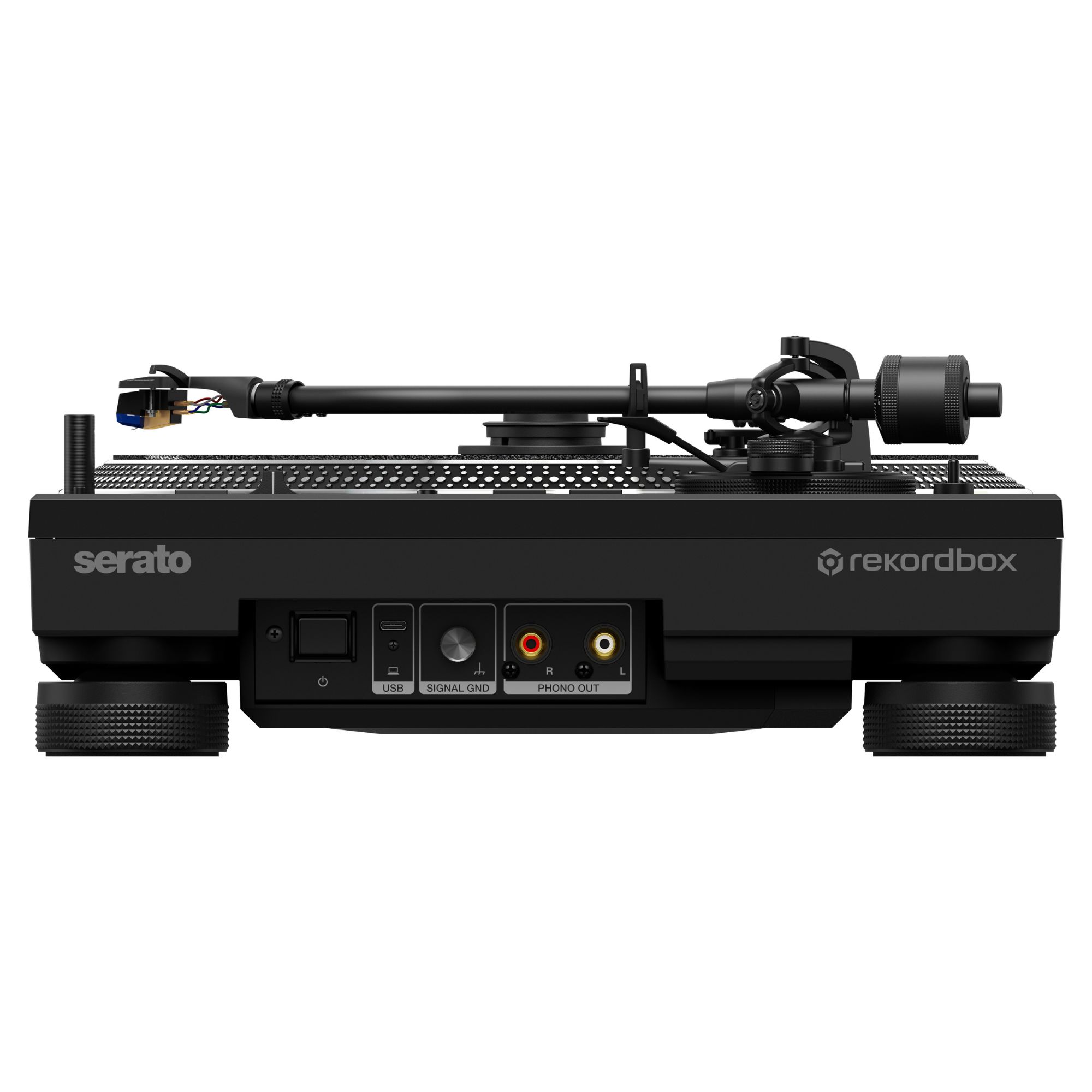
Built for turntablists, open-format DJs, and venues, the PLX-CRSS12 blends hands-on vinyl technique with DJ software workflows. Use the NEEDLE MODE button to switch between Analog mode and Digital Vinyl mode, then choose Serato DJ Pro or rekordbox for digital control. The deck includes a PHONO output for traditional mixer connection and a USB-C terminal for connecting to a computer. Pitch control offers multiple ranges, and you can fine-tune torque and stopping speed to match your routine and slip preference.
Why choose the PLX-CRSS12 over other turntables
Most turntables force a choice: pure analog, or DVS that still depends on a stylus and risks skipping during aggressive cuts. The PLX-CRSS12 is engineered to bridge that gap with tone-arm-free digital control while keeping true analog playback on the same deck. It also reduces the need for extra controller features by adding Performance Pads and an OLED readout directly on the unit. Sound-focused design details, including a switching power supply and a high-mass chassis structure, target low noise and stable playback in booth conditions.
What’s in the Box – PLX-CRSS12 DJ Turntable
- ✓ Platter
- ✓ Screws for platter x 6
- ✓ Screwdriver
- ✓ Magvel Clamp
- ✓ Slip mat
- ✓ Slip sheet
- ✓ Dust cover
- ✓ Balance weight
- ✓ Sub weight
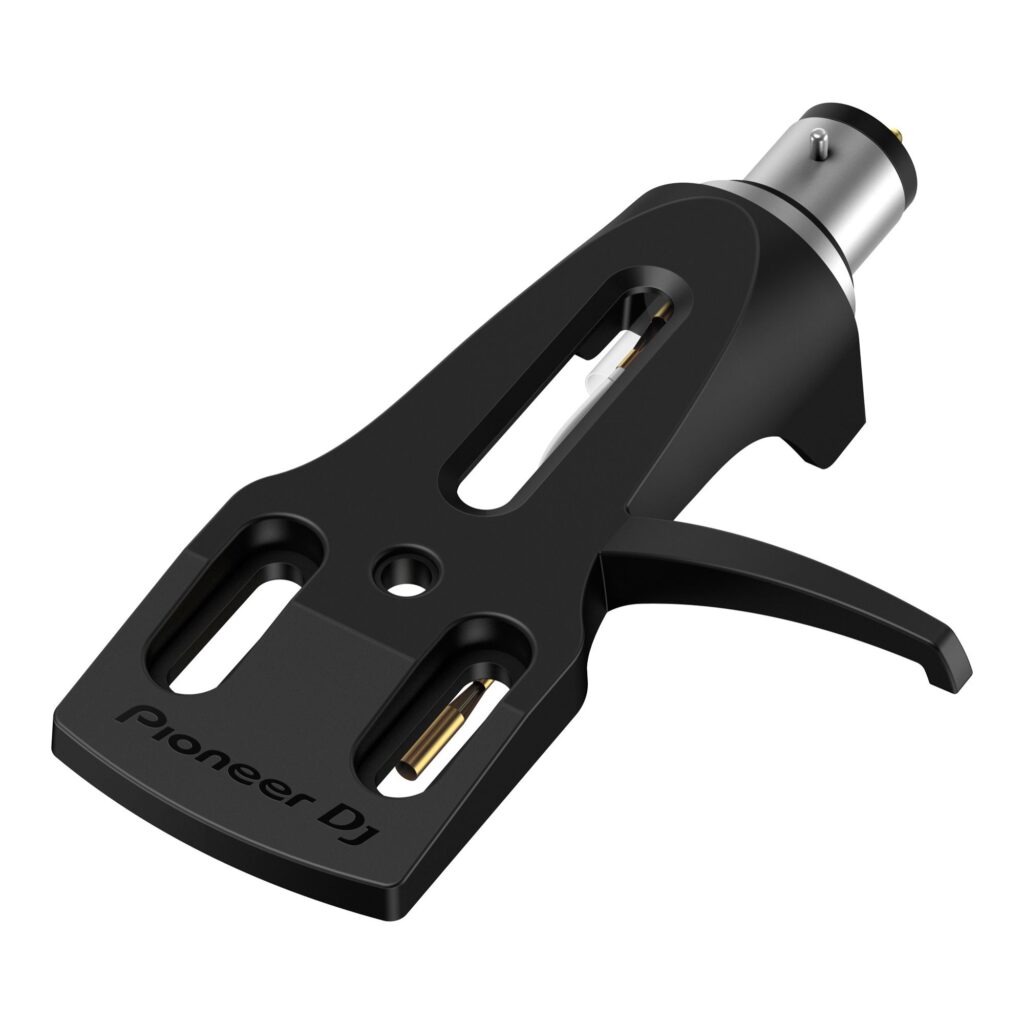
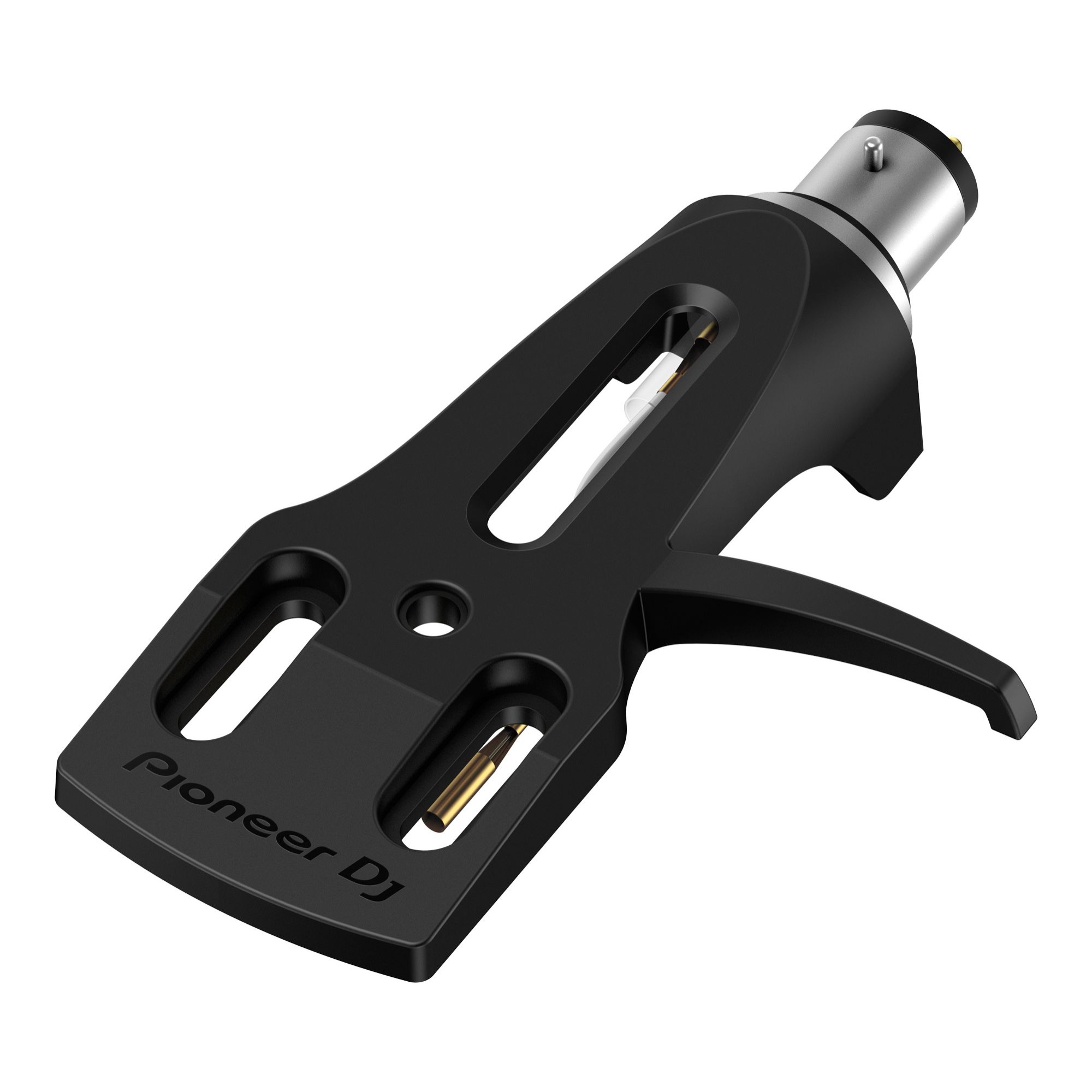
- ✓ Headshell
- ✓ Shell weight
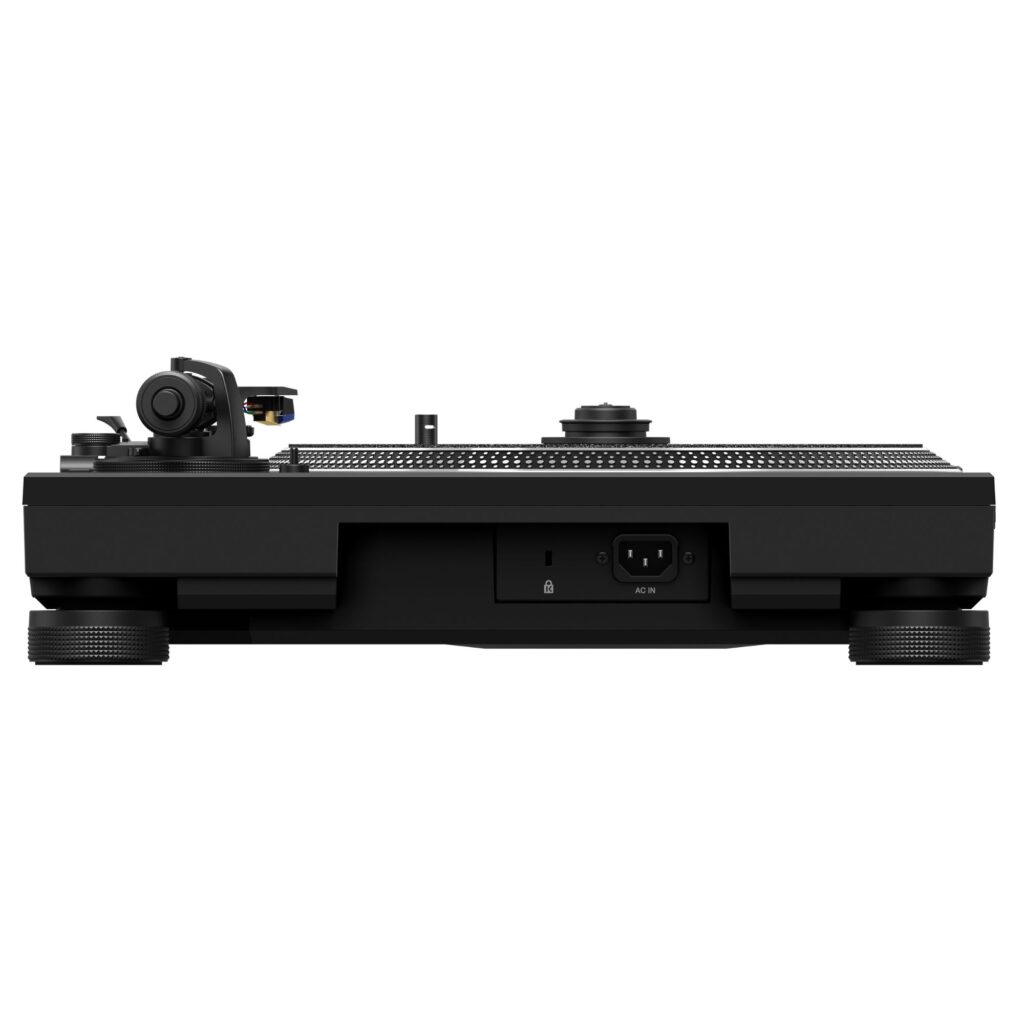
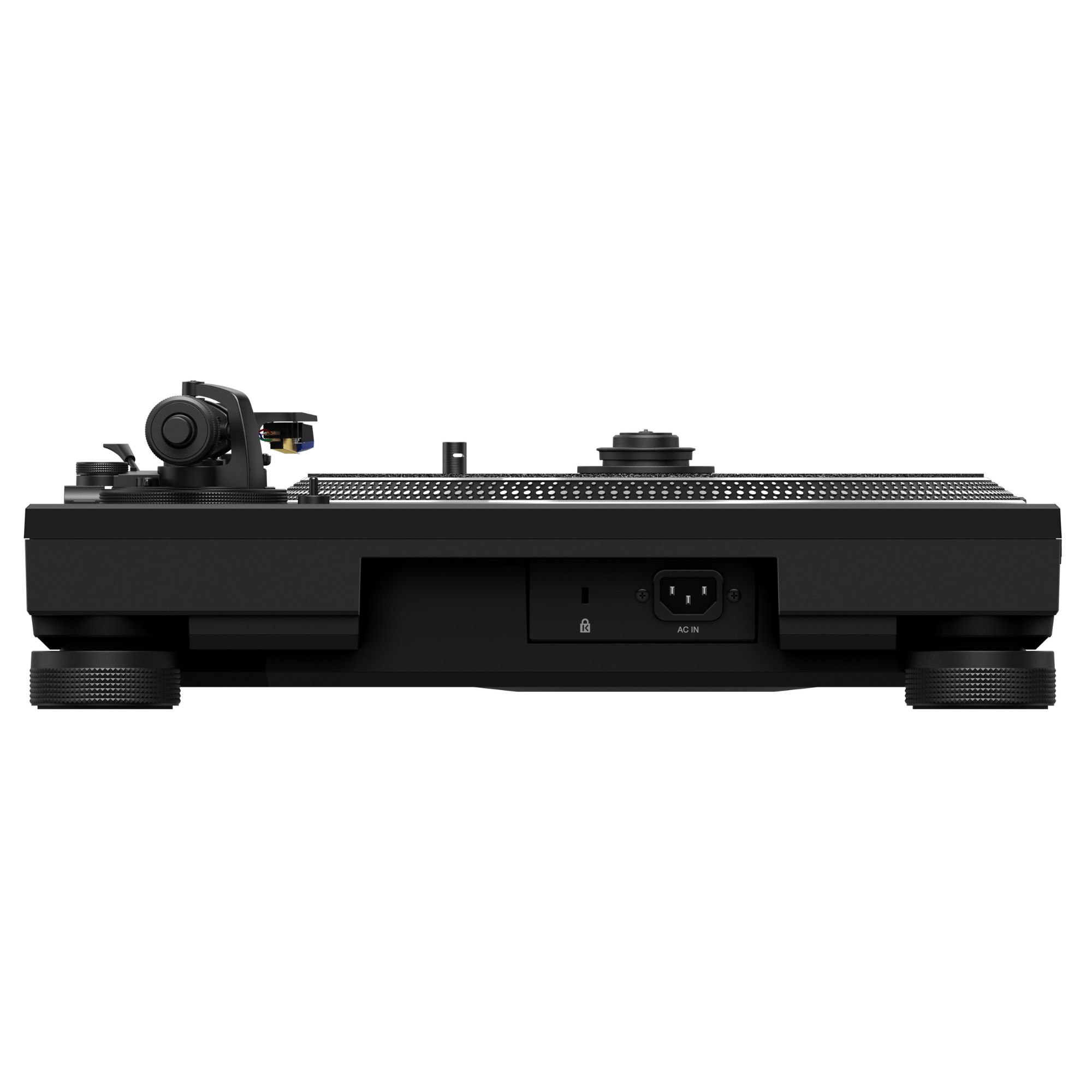
- ✓ Power cord
- ✓ Audio cable (with ground wire)
- ✓ USB cable
- ✓ Quick Start Guide
- ✓ User manual
Quick start guide
Mount the platter and secure it with the supplied screws, then place the slip sheet and slip mat on top. Connect the PHONO output and ground wire to a mixer’s PHONO input, then connect USB-C to your PC/Mac for Digital Vinyl mode. Install and open Serato DJ Pro or rekordbox, select the application on the deck, and switch to Digital Vinyl mode. For tone-arm-free control, place a 12-inch record on the platter, fit the MAGVEL CLAMP, and adjust the dial for the feel you want. For analog playback, install a cartridge (not included) on the headshell and balance the tone arm.
Frequently Asked Questions
Can I play standard vinyl records on the PLX-CRSS12?
Yes—switch to Analog mode and use the tone arm for traditional vinyl playback.
Do I need a cartridge to use the PLX-CRSS12?
A cartridge is not included, and you’ll need one for analog playback via the tone arm.
What do I need for tone-arm-free DVS performance?
Use Digital Vinyl mode with Serato DJ Pro or rekordbox, connect to a compatible setup, and you can use a 12-inch vinyl record as the control disk with the MAGVEL CLAMP.
| General | |
| Drive method | Servo-type direct drive |
| Motor | 3-phase brushless DC motor |
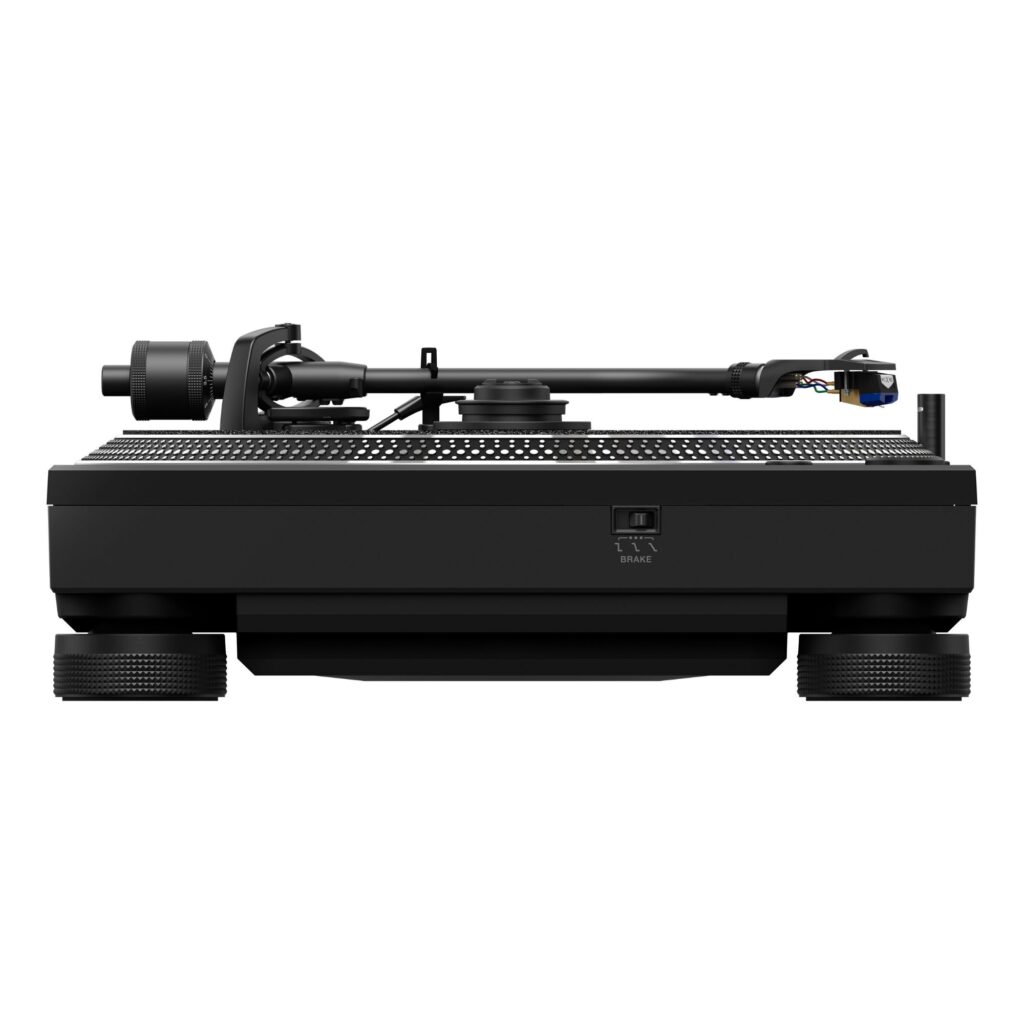
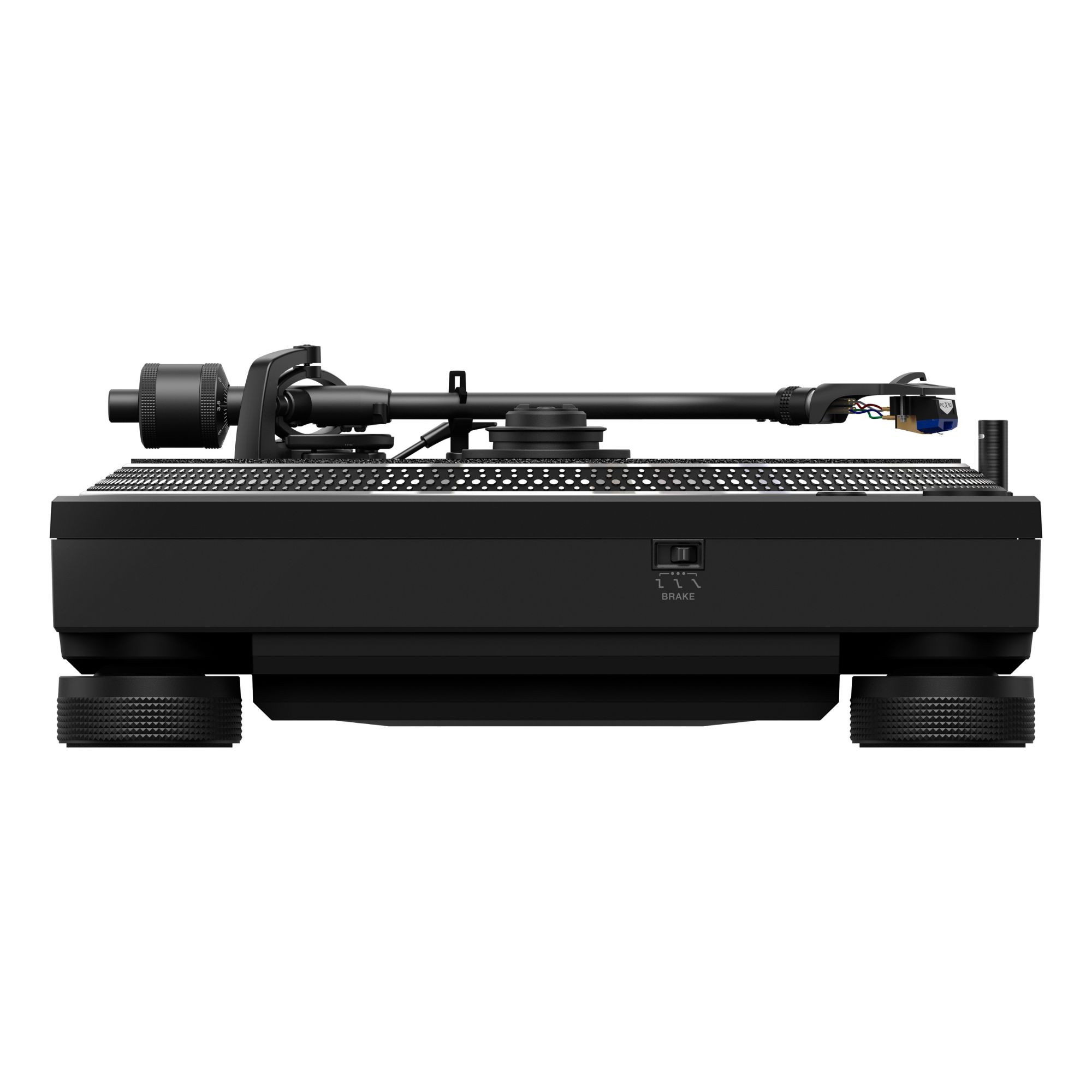
| Braking system | Electronic brake |
| Rotation speed | 33⅓ rpm, 45 rpm |
| Rotation adjustment range | ±8 %, ±16 %, ±50 % |
| Wow and flutter | ≤0.15 % WRMS (JIS WTD) |
| Signal-to-noise ratio | 65 dB (DIN-B) |
| Starting torque | High: ≥0.45 N·m (≥4.5 kgf·cm); Mid: 0.32 N·m (3.2 kgf·cm); Low: 0.20 N·m (2.0 kgf·cm) |
| Start time | 0.3 s (33⅓ rpm) |
| Brake time | Max: 3.5 s; Mid: 1.0 s; Min: ≤0.5 s |
| Platter | |
| Platter material | Aluminium die-cast |
| Platter diameter | Ø33.2 cm |
| Tonearm | |
| Arm type | Universal S-shape; gimbal-supported bearing; static balance |
| Overhang | 1.5 cm |
| Effective length | 23.0 cm |
| Tracking error | Within 3° |
| Height adjustment range | 0.6 cm |
| Stylus pressure variable range | 0 g – 4 g (0.1 g step) |
| Proper cartridge weight | 2.5 g – 12 g (incl. mounting materials) |
| Connectivity | |
| USB | 1 × USB-C |
| Outputs | 1 × PHONO (RCA) |
| Product dimensions | 45.3 × 35.3 × 15.9 cm (W × D × H) |
| Product weight | 12.20 kg |